This quirky AI-powered camera prints poems, not photos
The Poetry Camera is an ingenious device that doesn’t take photos but instead makes poems.The clever contraption features a lens that observes its sur


Snapchat is bringing generative AI videos to its social platform. The company has today introduced what it calls Video Gen AI Lenses, which essentially add an AI-powered video effect to your Snaps. The new video AI lenses are currently limited to Platinum subscription tier, which costs $14.99 per month.
“These Lenses, powered by our in-house built generative video model, bring some of the most cutting edge AI tools available today to Snapchatters through a familiar Lens format,” Snap says in a press release.
In the early phase, there are only three AI video lenses available to paying users. The Raccoon lens adds a bunch of furry raccoons to your video, while the Fox preset puts a curious a red fox peeking over the shoulder.
Finally, there’s a Spring Flowers option, which adds a bunch of photorealistic flowers in a variety of colors with a zoom-out running effect to your Snaps. The selection is pretty narrow, for now, but the company assures new video AI lenses will be added on a weekly basis.
It is unclear whether Snapchat will let users create their own video AI lenses down the road. The platform already offers a free toolkit called Lens Studio, which allows users to create their own lenses and custom face filters, and share them other people across the world.
Snap offers generative AI capabilities in the Lens Studio, which allows any person to create custom lenses using a text or image prompt. Think of it as telling Gemini or ChatGPT to generate an image through text descriptions. Notably, it also comes with its onboard AI assistant to help users with their projects.

As mentioned above, you will need a Snapchat+ Platinum subscription to access the AI video lenses. This tier offers an add-free experience across the Lens and Story section, and doesn’t push any sponsored Snaps either.
These new generative AI video lenses will be the first to appear when users launch the Lens carousel in the Snapchat app. As usual, they can be applied to media captured by the front as well as rear cameras.
As the AI videos are being prepped, users can switch to other tasks such as messaging or recording new clips. Once a Snap with AI video lenses is ready, it will be saved within the Memories section automatically.
Just like regular content, media with a video AI Lens applied can be freely added to the Stories and Spotlight section, or directly shared with acquaintances.
To avoid any confusion here, Lenses are not the same thing as Filters. The former adds a bevy of augmented reality (AR) effects to Snaps, while the latter is more like an artistic color overlay over your photos and videos.
The Snapchat app offers two kind of lenses. The Face Lenses turn the users’ face into something fun, like a cute puppy or make them wear a flower crown. The World Lenses, on the other hand, add animated effects to the world around you.

The Poetry Camera is an ingenious device that doesn’t take photos but instead makes poems.The clever contraption features a lens that observes its sur
ChatGPT’s recent image generation capabilities have challenged our previous understanding of AI-generated media. The recently announced GPT-4o model d
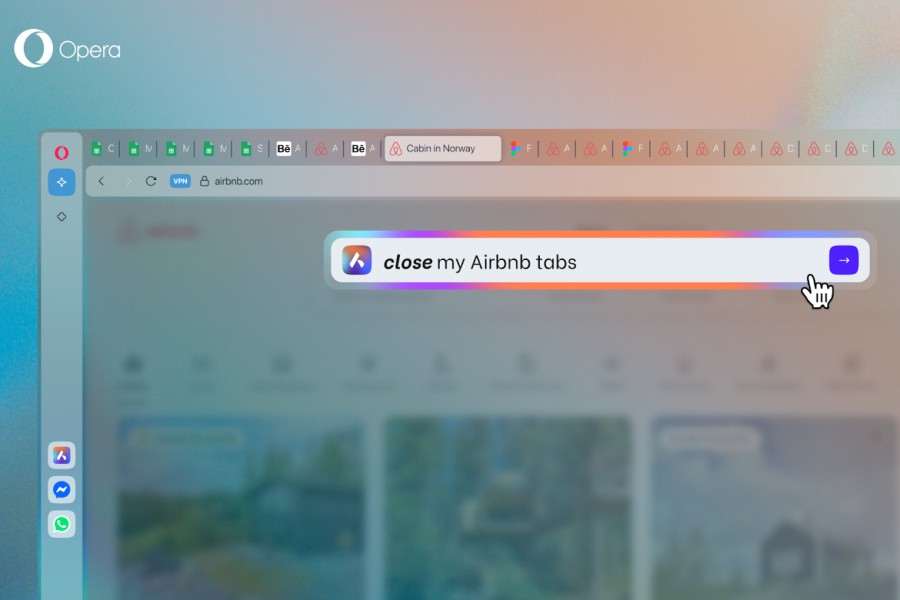
Opera One browser has lately won a lot of plaudits for its slick implementation of useful AI features, a clean design, and a healthy bunch of chat int
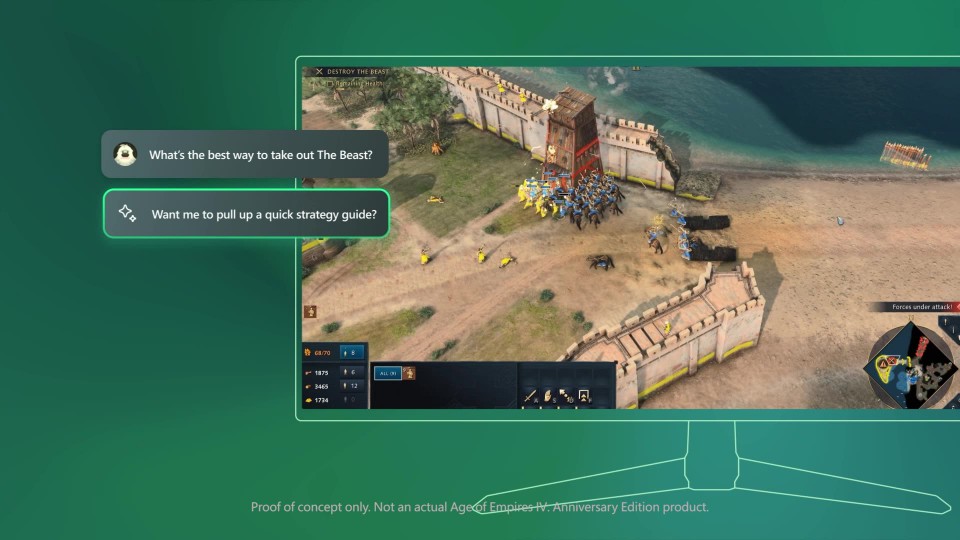
Copilot Is Coming To Gaming, Xbox Play Anywhere Updates, And More Official Xbox PodcastCopilot for Gaming is an AI that can improve gaming experience,
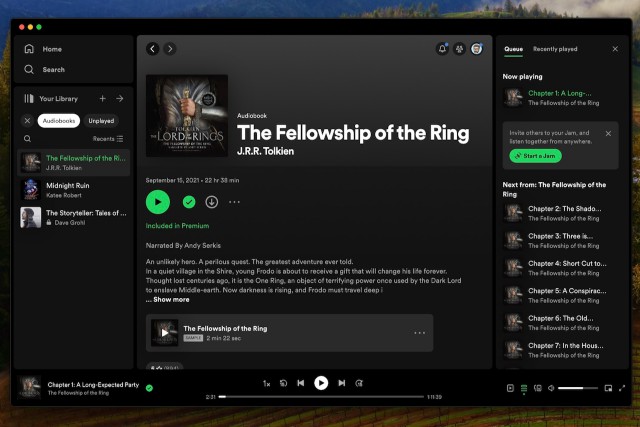
Derek Malcolm / Digital TrendsIn a move expected to dramatically increase the quantity of available audiobooks, Spotify announced on Thursday that wil

Update: A Google spokesperson responded to our queries. The story has been updated with their answers in a dedicated section below. Google is pushing
We are a dynamic information platform dedicated to delivering timely, relevant, and reliable content across a broad spectrum of topics. From the latest in technology and business to lifestyle, health, and global affairs, we aim to keep our readers informed and inspired.
Our editorial team is committed to maintaining high standards of accuracy and clarity, ensuring that every article provides value and context in an ever-changing world. We believe in the importance of accessible knowledge and strive to make complex topics understandable for everyone.
Whether you're here to stay updated on current events, explore thought-provoking features, or simply learn something new, our goal is to offer a trustworthy source of information that meets the needs of a diverse and curious audience.