‘Godfather of AI’ warns: Without ‘maternal instincts,’ AI may wipe out humanity
What’s happened? Geoffrey Hinton, known as the “godfather of AI,” told the Ai4 conference that making AI “submissive” is a losing strategy and propose

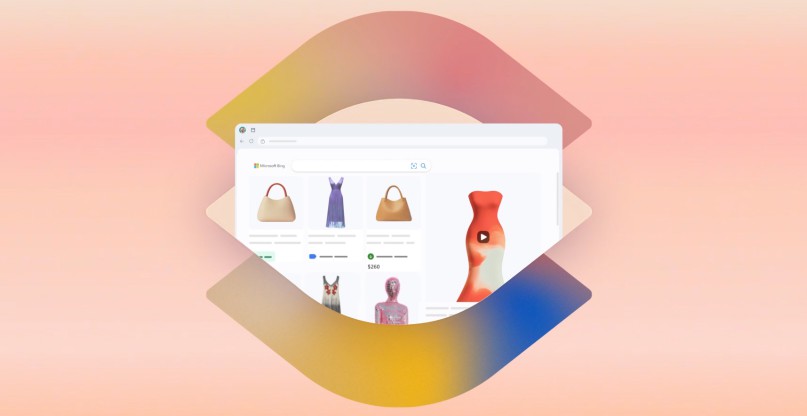
After months of teasers, previews, and select rollouts, Microsoft’s Copilot Vision is now available to try for all Edge users in the U.S. The flashy new AI tool is designed to watch your screen as you browse so you can ask it various questions about what you’re doing and get useful context-appropriate responses.
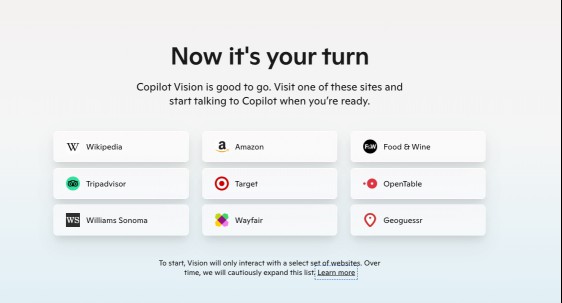
The feature works for “most” sites, according to Microsoft but it gives you a list of recommendations to start with. We have Amazon, which makes sense, but also Geoguessr? I’m pretty sure the point of that site is to try and guess where you are on the map without any help. Anyway, the full list of starter sites is as follows:
CEO of Microsoft AI Mustafa Suleyman announced the release on Bluesky yesterday and shared a few of his favorite use cases.
Usually, when you want to ask Copilot a question, you have to write out the paragraphs of context yourself, and aside from being slow and annoying, this can also be pretty difficult if you’re trying to ask about something you don’t know much about.
With Copilot Vision, instead of trying to describe what you’re looking at or what you’re talking about, the AI model can see it right on your screen.
So, according to Suleyman’s examples, you can search for “breathable sheets” on Amazon and ask Copilot if any of the results are made from appropriate fabrics. Copilot can point the right ones out to you or give you examples of breathable fabric to search for.
On the Food & Wine recipe website, Copilot can help you go hands-free while you cook by answering your questions and reading out parts of the recipe to you. This works because the whole experience is designed to work through voice — you speak directly to the AI and the AI speaks back.
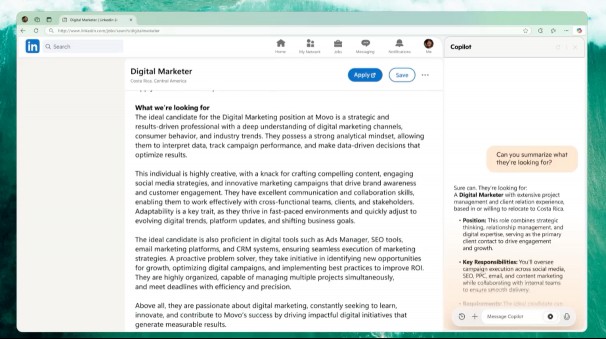
According to one of the videos on the Copilot Vision page, however, it looks like you can type out questions too and receive written responses.
Microsoft is taking things very slowly and carefully with this feature, almost certainly because it wants to avoid triggering another backlash like it did with Recall. The company makes sure to stress that the feature is “opt-in,” doesn’t record your screen, is only on when you turn it on, and deletes the data as soon as you end a session.
If you’re interested in testing it out, you can set things up and see a little tutorial through the Microsoft website.

What’s happened? Geoffrey Hinton, known as the “godfather of AI,” told the Ai4 conference that making AI “submissive” is a losing strategy and propose
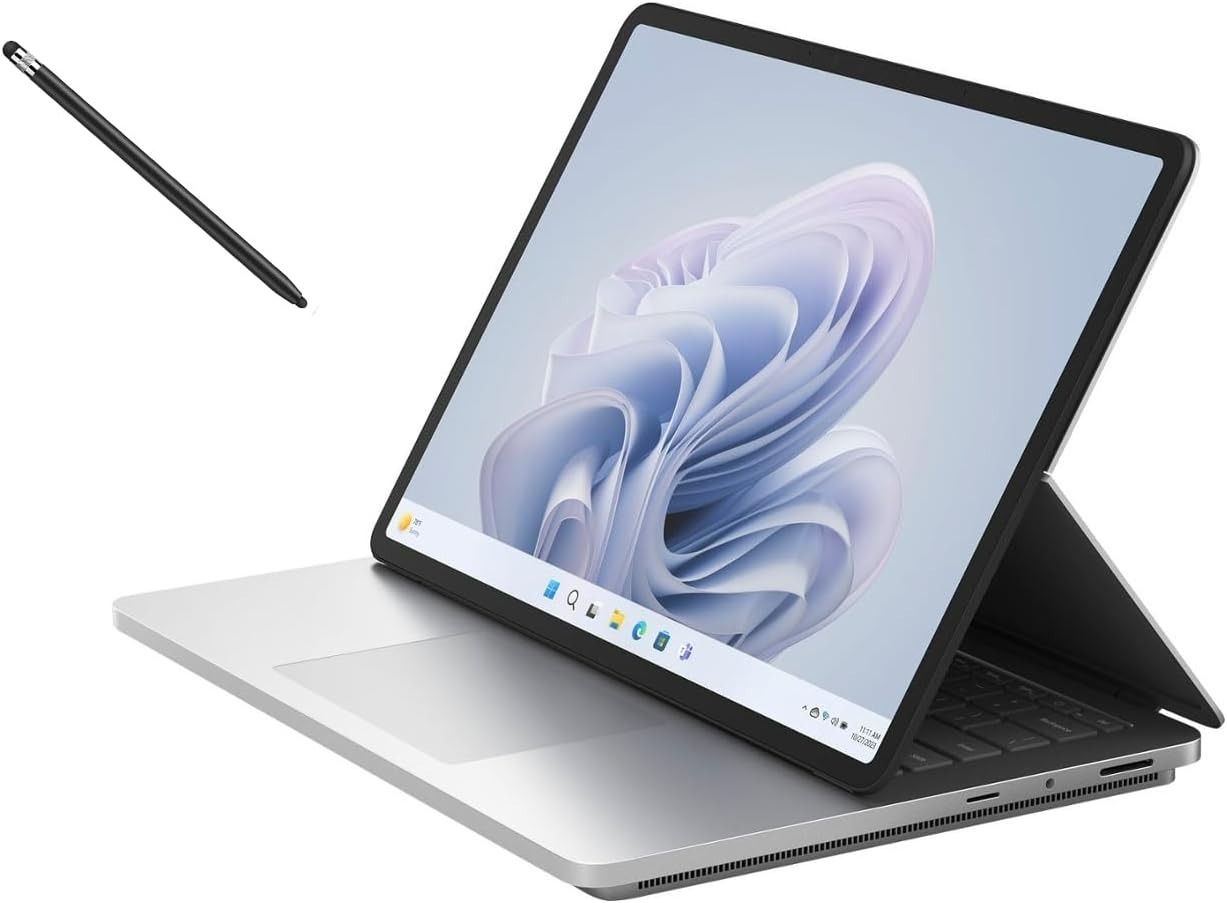
Microsoft’s new Surface laptops have arrived, and they’re more than just routine refreshes. According to Microsoft, powered by Snapdragon X processors

In a Windows Insider blog post, Microsoft announced an AI upgrade to Windows Search to make finding photos, documents, and settings easier. However, t
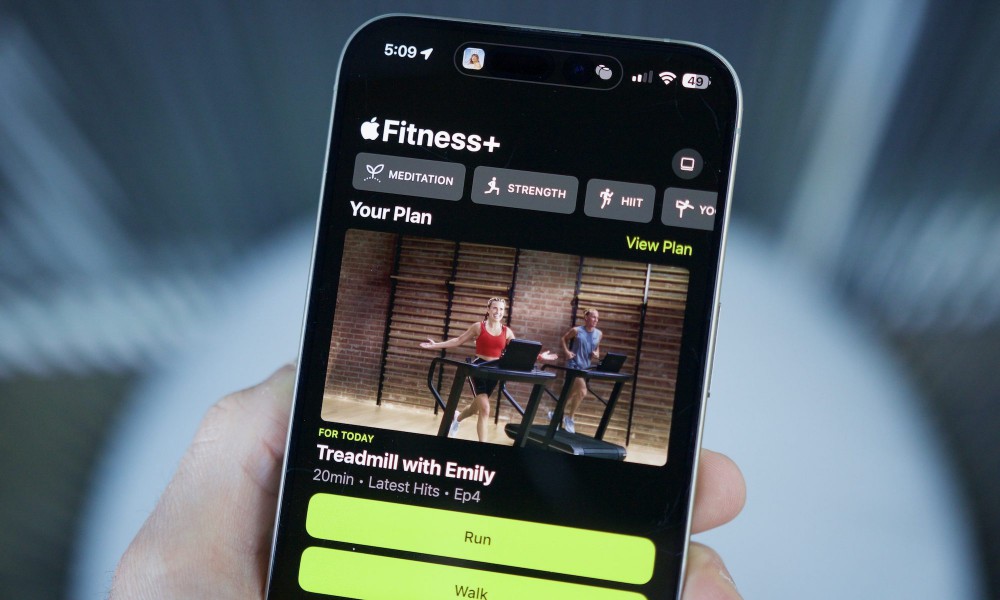
Apple’s efforts in the health segment are a class ahead of the competition. But more than just racing ahead with innovation, the company has taken a m
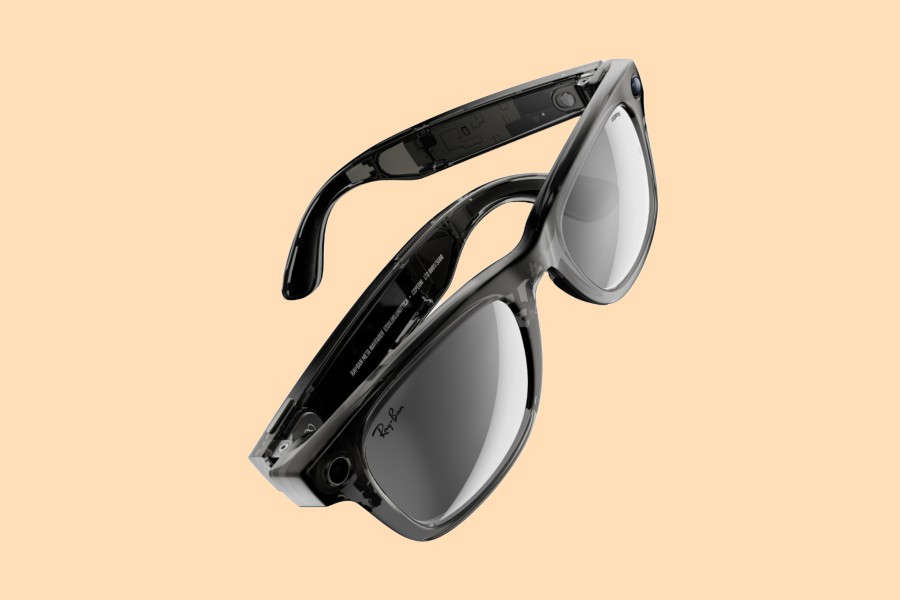
Meta delivered an unexpected runaway success with its Ray-Ban Stories smart glasses, and now, it is headed to the runaway for the latest take. At the

If you’ve been dreaming about having a more in-depth conversation with one of your favorite gaming characters, it seems that Sony is working on making
We are a dynamic information platform dedicated to delivering timely, relevant, and reliable content across a broad spectrum of topics. From the latest in technology and business to lifestyle, health, and global affairs, we aim to keep our readers informed and inspired.
Our editorial team is committed to maintaining high standards of accuracy and clarity, ensuring that every article provides value and context in an ever-changing world. We believe in the importance of accessible knowledge and strive to make complex topics understandable for everyone.
Whether you're here to stay updated on current events, explore thought-provoking features, or simply learn something new, our goal is to offer a trustworthy source of information that meets the needs of a diverse and curious audience.